DeviceOn Overseer
What Is This?
DeviceOn Overseer is an integrated AI + device management solution that can run in an on-premises or private network environment. You can think of it as a platform for using natural language to operate device data, check status, and generate reports.
It mainly includes:
- OpenClaw (AI conversation and workflow engine)
- DeviceOn plugin (connects to the DeviceOn API)
- DeviceOnAI Web UI (web interface)
What Can You Do With It?
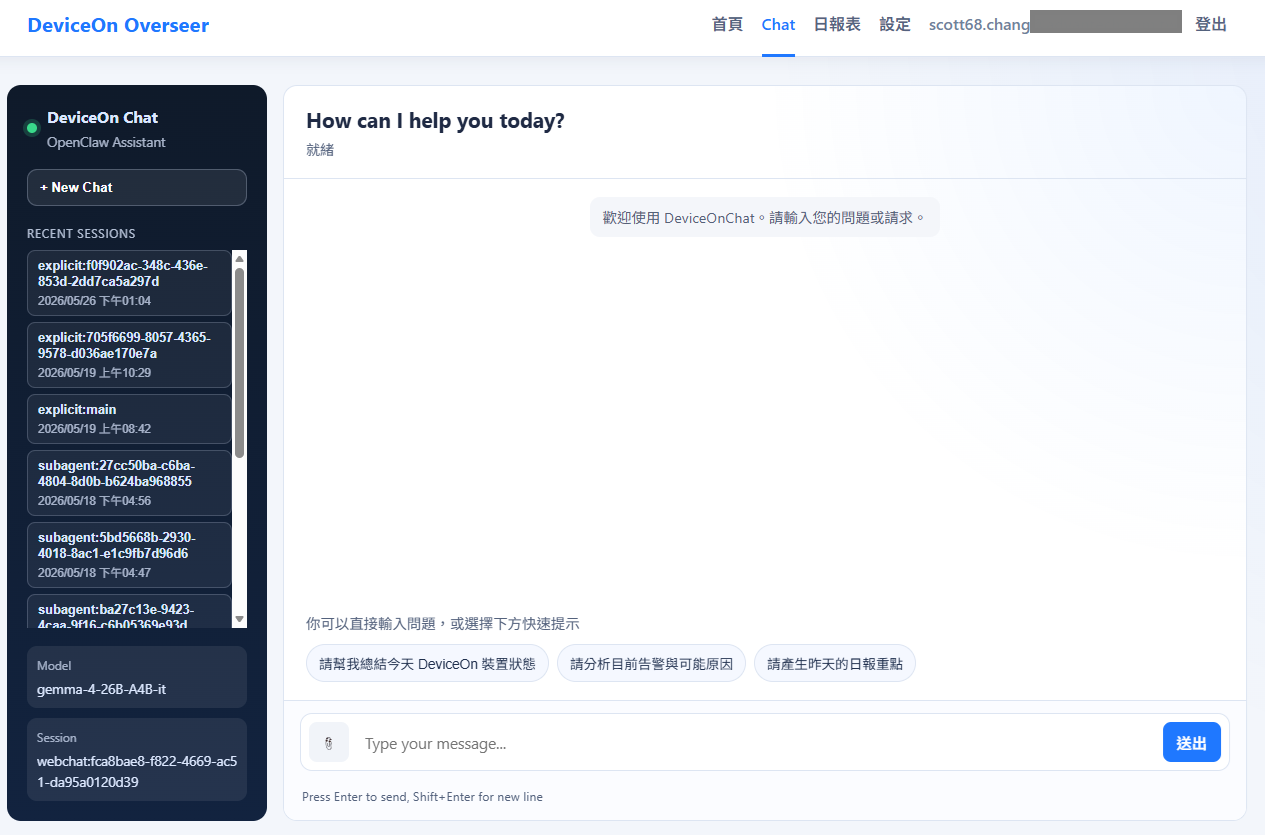
- Check device information and status through chat
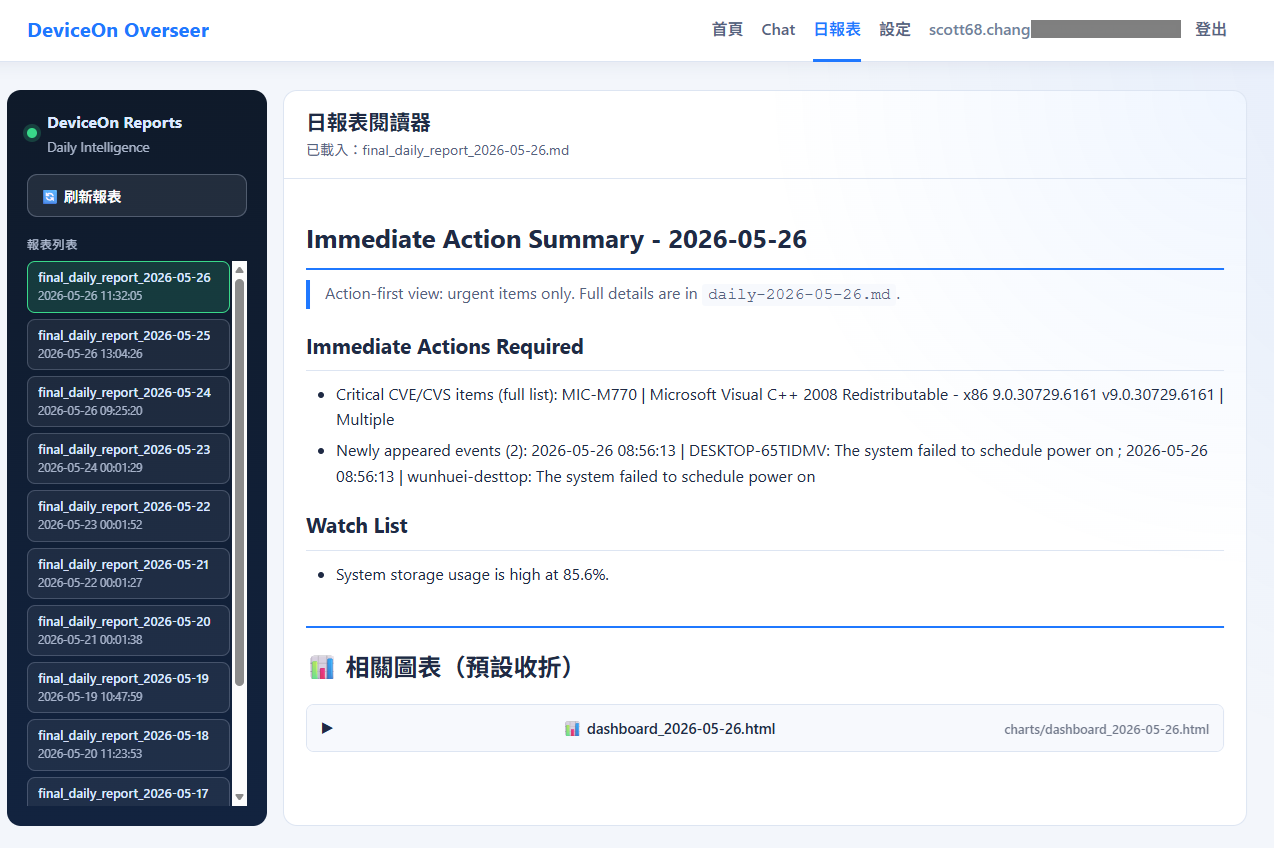
- Generate daily reports and charts
- Manage DeviceOn credentials and service settings
- Use one interface for chat, reports, and settings
Who Is It For?
- IT/operations staff who need to quickly check device status
- Teams that want to use natural language for queries and daily reports
- Organizations that need on-premises deployment and strong data protection
Quick Start
1. Prepare the environment
- Install Docker Engine
- Install Docker Compose (
docker composeis recommended) - Download installer (beta)
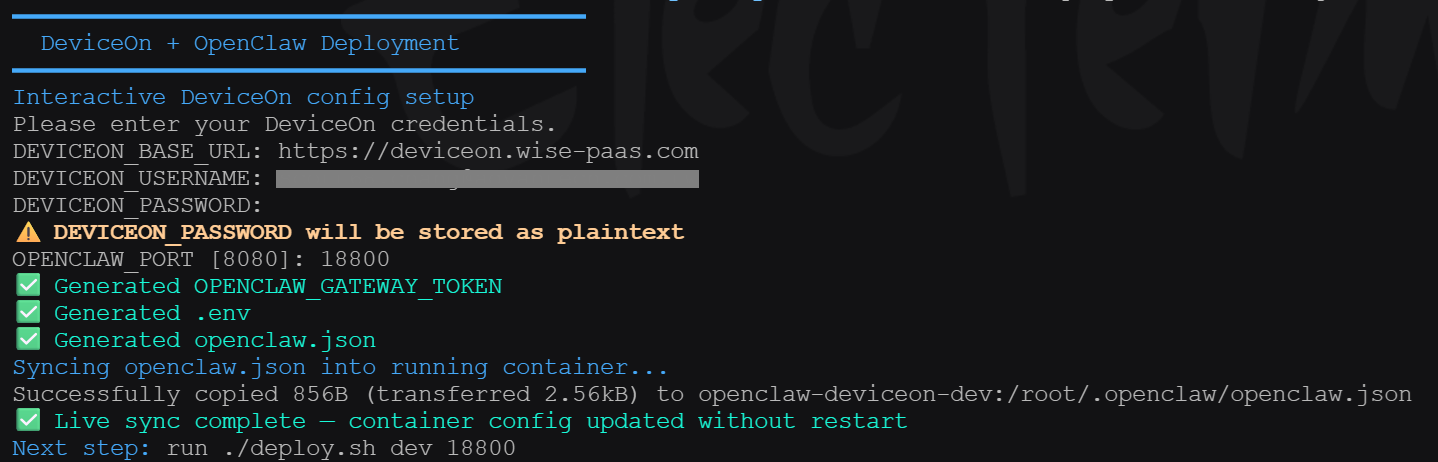
2. Run initialization
./deploy-tar.sh setup ./deviceon-openclaw-dev_latest.tar
You will be prompted for:
DEVICEON_BASE_URLDEVICEON_USERNAMEDEVICEON_PASSWORDOPENCLAW_PORT
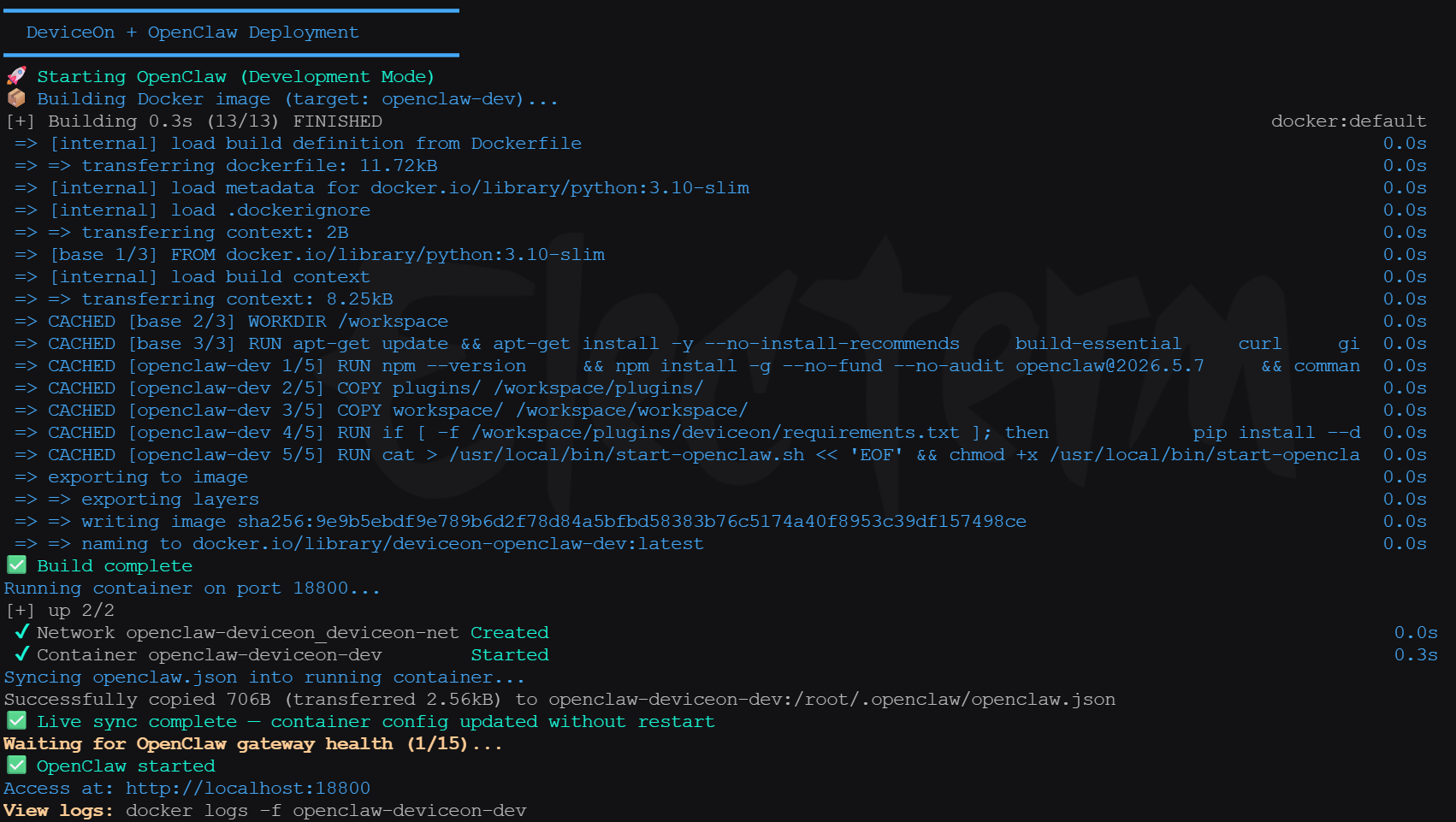
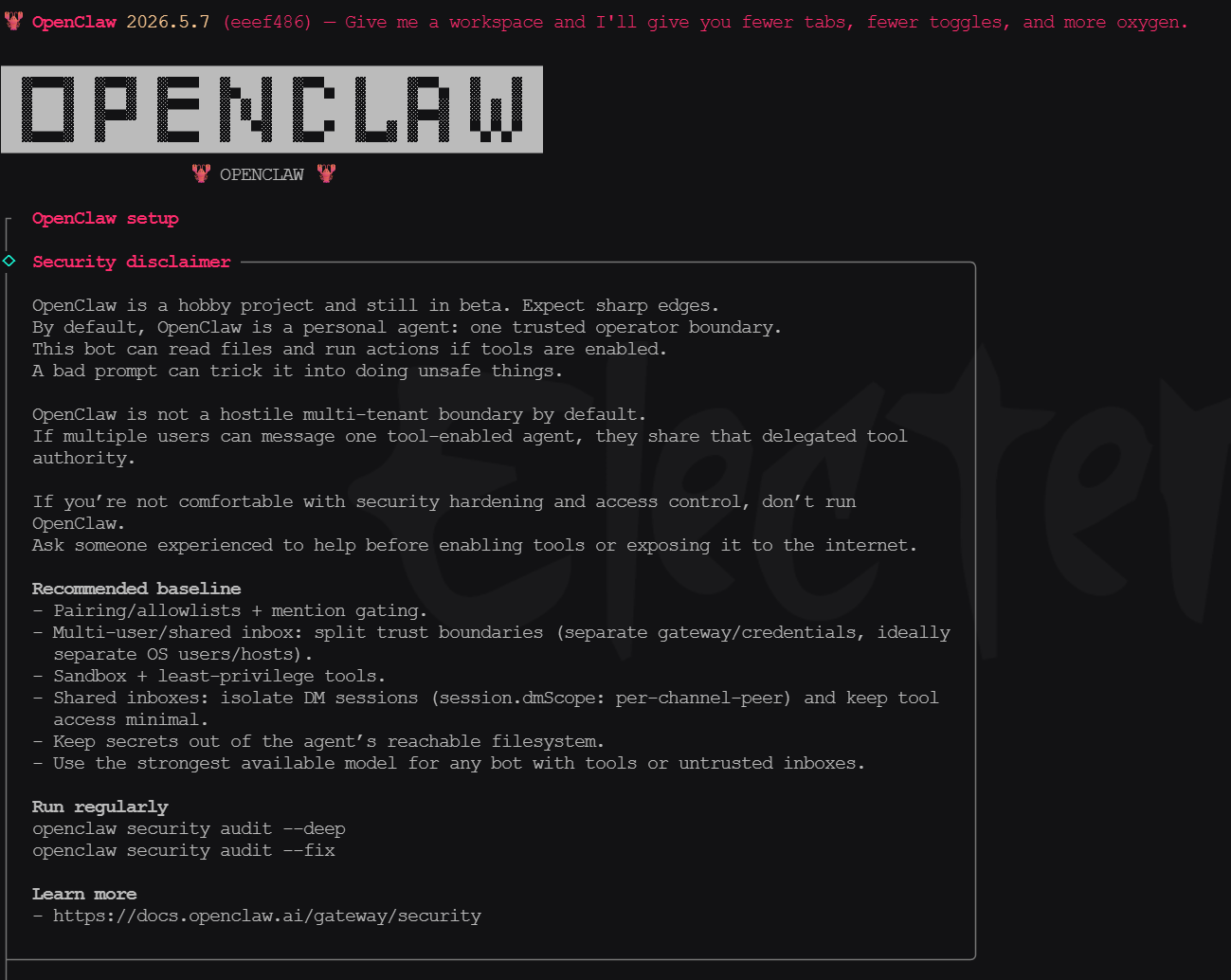
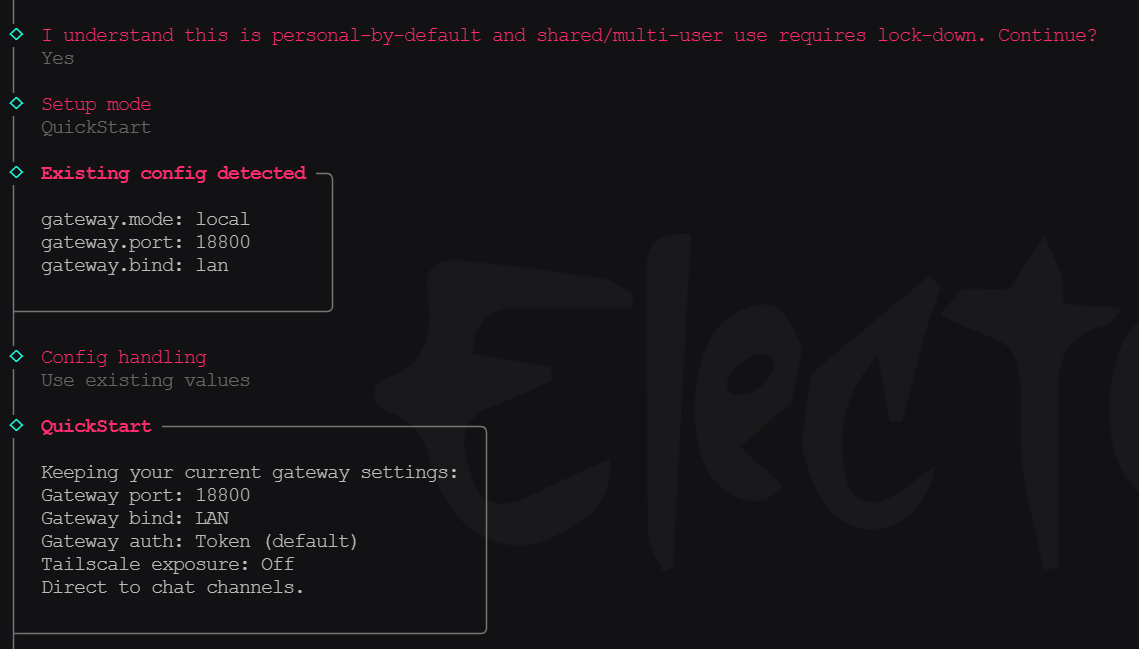
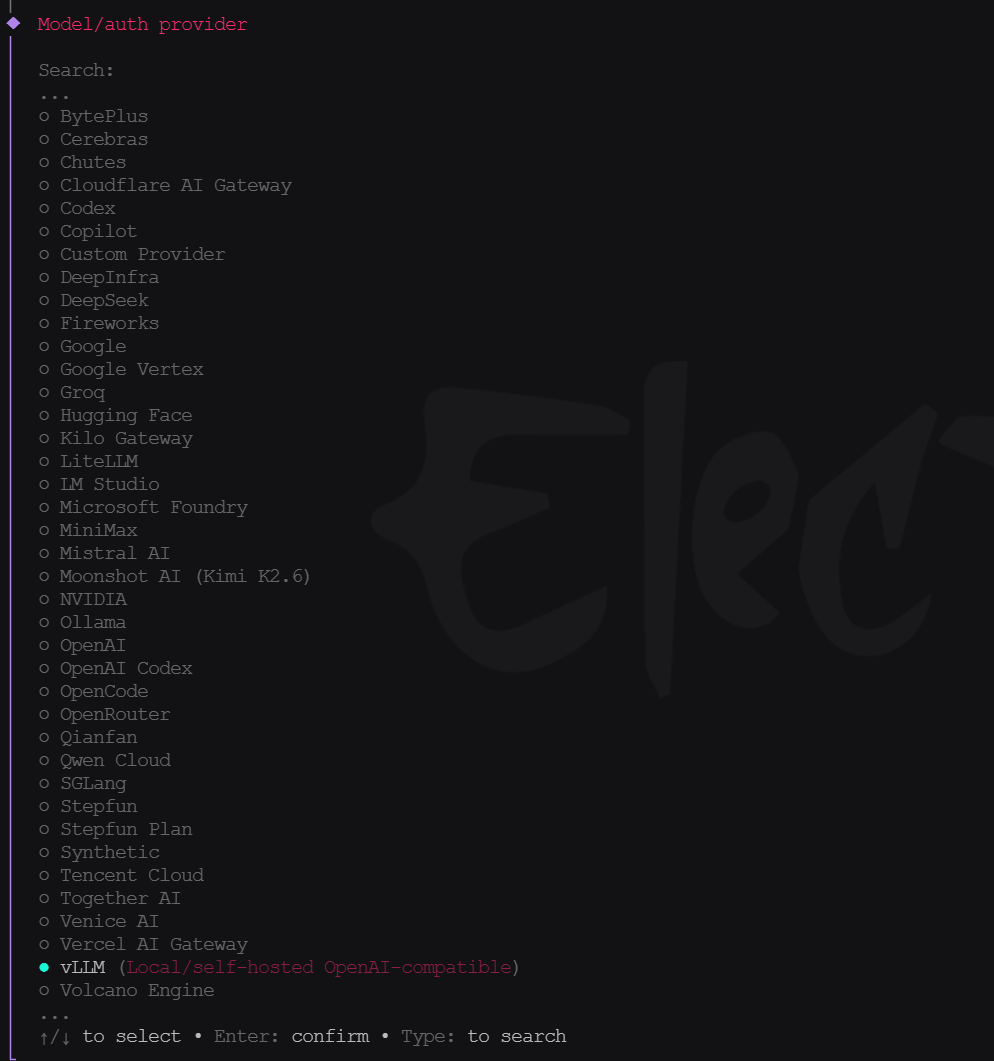
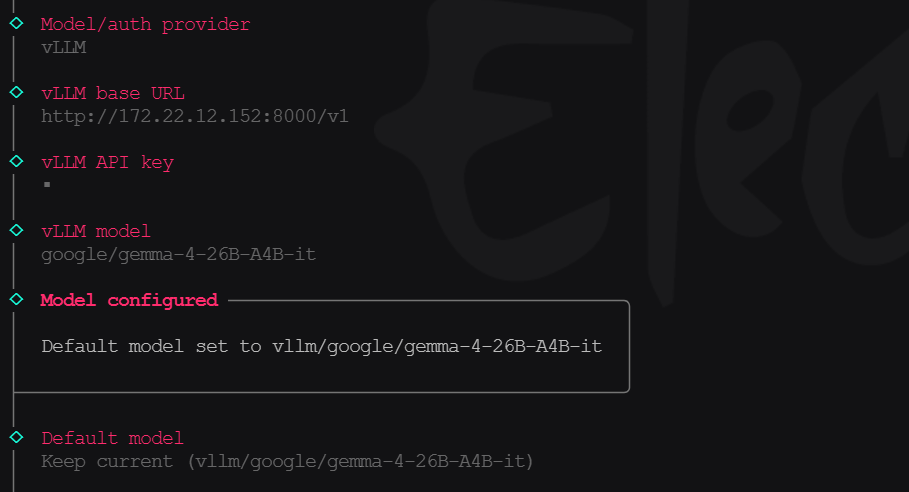
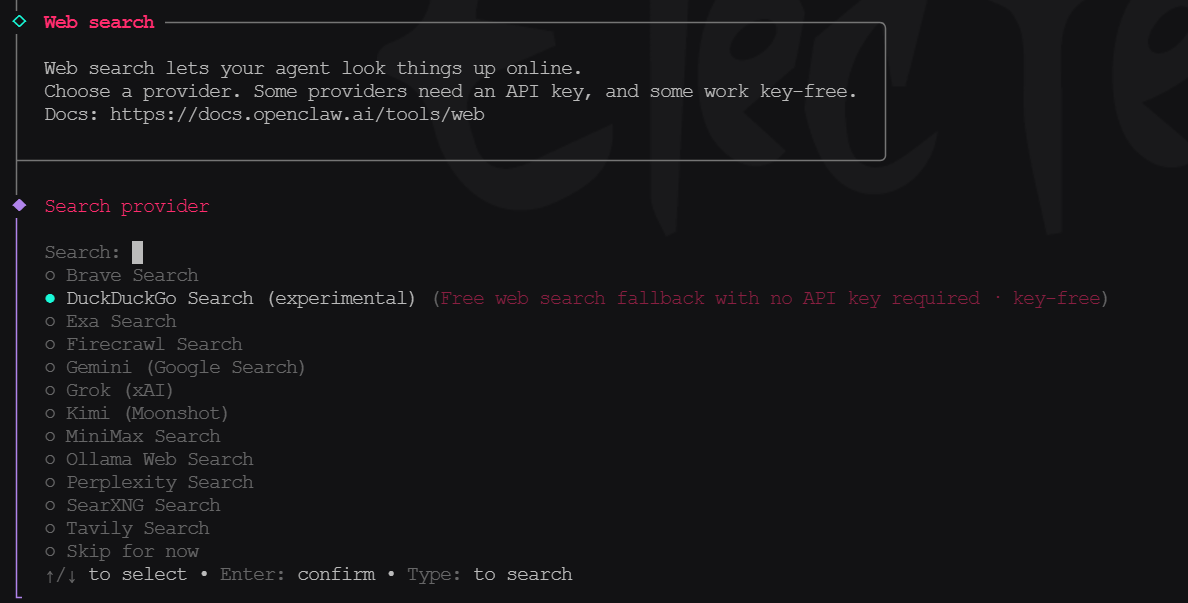
After creating the DeviceOn + OpenClaw container, follow the on-screen steps to complete basic OpenClaw setup:
For model and search provider setup, refer to:
3. Start the Web UI
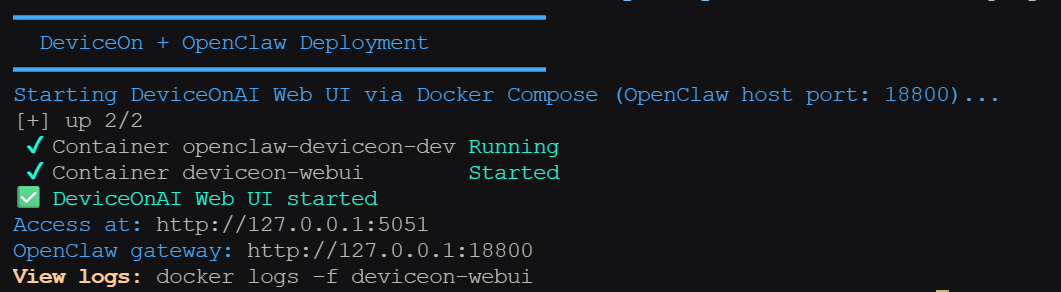
./deploy-tar.sh webui
Open:
- Web UI:
http://127.0.0.1:5051 - OpenClaw Gateway:
http://127.0.0.1:${OPENCLAW_PORT}
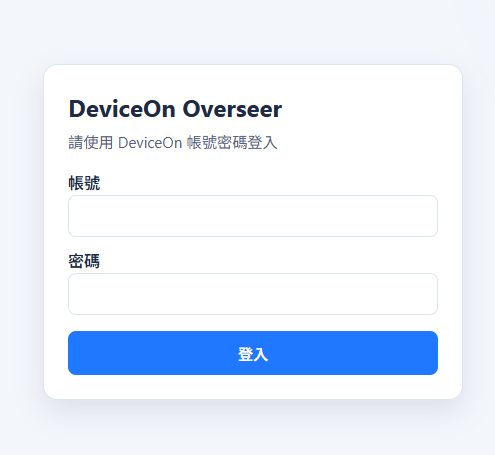
Using the same DeivceOn account within initialization to login.
Web UI home and login screens:
Common Command Examples
- List offline devices
- Power on device XXX
- Generate report for MM/DD
UI Reference
FAQ
Issue: Chat shows connection closed/interrupted
Please check in order:
./deploy-tar.sh test./deploy-tar.sh logs- If needed, run
docker exec openclaw-deviceon-dev openclaw doctor
Issue: No reports are shown
Please confirm:
- DeviceOn credentials can log in successfully
- The report script has completed successfully
- New output files exist under
reports/
Security Notes
.envmay contain plaintext passwords; do not commit it to source control- Rotate tokens and credentials immediately if leaked